subjectId: 589334
visibleTabCount: 3
Learn some of the advanced features of the RefWorks Citation Management Software. It is also available from the RefWorks YouTube Channel.
Table of Contents
Contact Us
University of Miami
Miller School of Medicine
Calder Library
Department of Learning, Research, and Clinical Information Services
Miller School of Medicine
Calder Library
Department of Learning, Research, and Clinical Information Services
- Email: reference@miami.edu
- Phone: 305-243-6648
- Ask a Librarian: http://calder.med.miami.edu/librarianask.html
Calder Medical Library's Resource Guide for RefWorks
Welcome to the Calder Medical Library Resource Guide for RefWorks Citation Manager.
This guide is designed to provide assistance for accessing and learning the basics of the software.
We hope you find this page useful!
Learn More about RefWorks
RefWorks is an easy-to-teach, learn, and use reference management service that simplifies research workflow. It enables effortless collection, organization and collaboration.
Discover key features that make RefWorks easy to use.
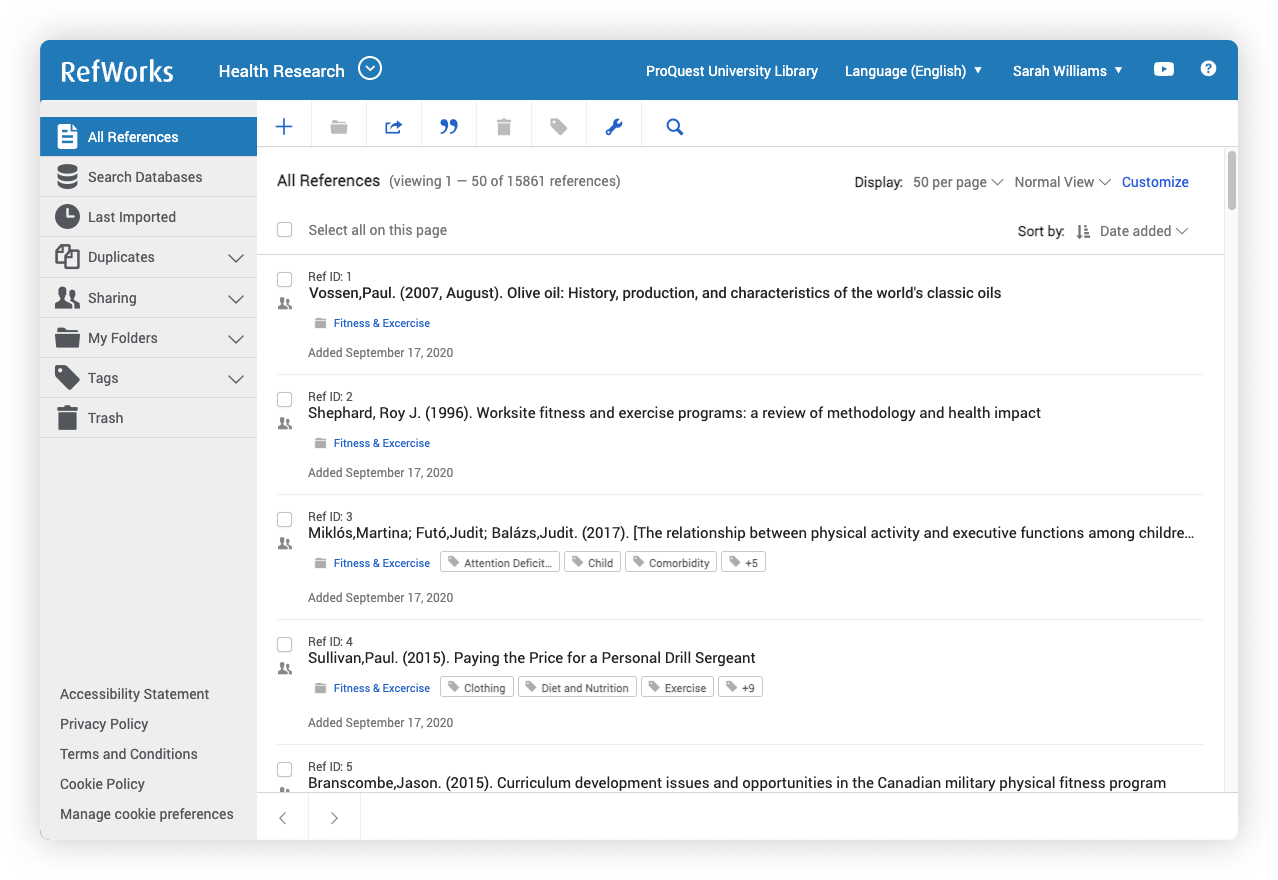
Discover key features that make RefWorks easy to use.
1. What is RefWorks and Why Would I Use Refworks?
3. RefWorks Basic Functionality
2. Creating a RefWorks Account
4. Exporting References to RefWorks
Advanced Features Videos
Learn some of the advanced features of the RefWorks Citation Management Software. It is also available from the RefWorks YouTube Channel.